You haven't signed in yet, you can have a better experience after signing in

Activity Rules
1、Activity time:{{ info.groupon.start_at }} ~ {{ info.groupon.end_at }}。

1、Activity time:cease when sold out。
2、Validity period of the Group Buying:{{ info.groupon.expire_days * 24 }} hours。
3、Number of Group Buying:{{ info.groupon.need_count }}x。
Please Pay Attention
1、Teamwork process: Join/initiate a Group Buying and make a successful payment - Within the validity period, the number of team members meets the activity requirements - Group Buying succeeded!
2、If the number of participants cannot be met within the valid period, the group will fail, and the paid amount will be refunded in the original way.
3、The number of people required and the time of the event may vary among different products. Please pay attention to the rules of the event.

IObit Driver Booster 14 PRO 驱动更新工具软件


Driver Booster 14 推出,新增游戏 DLL 修复功能并扩展至 2300 万驱动数据库
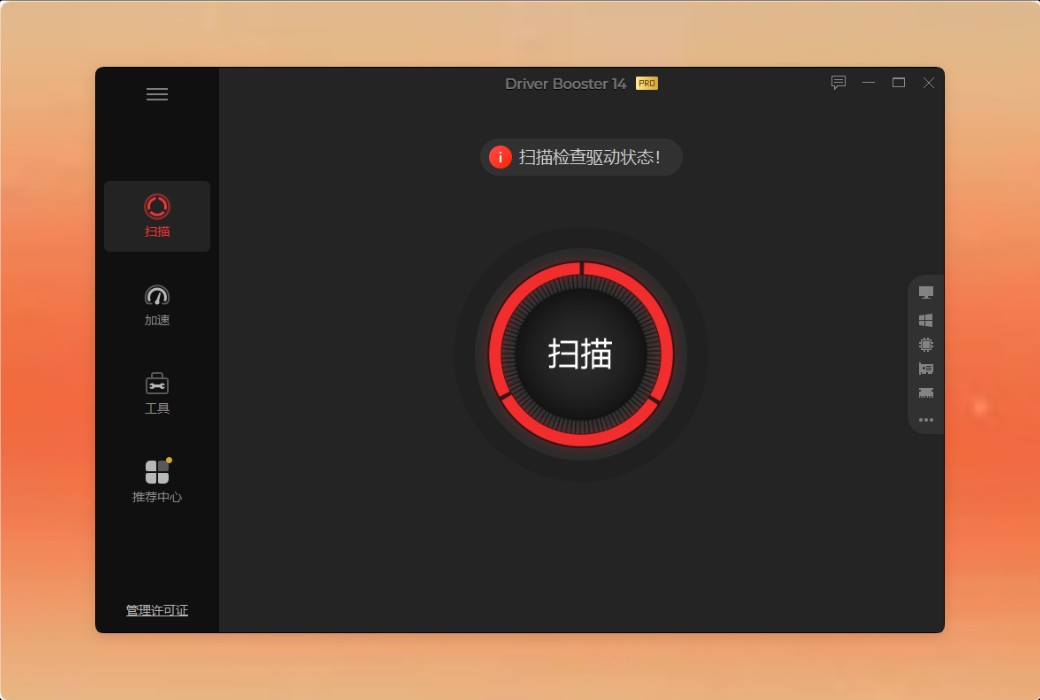
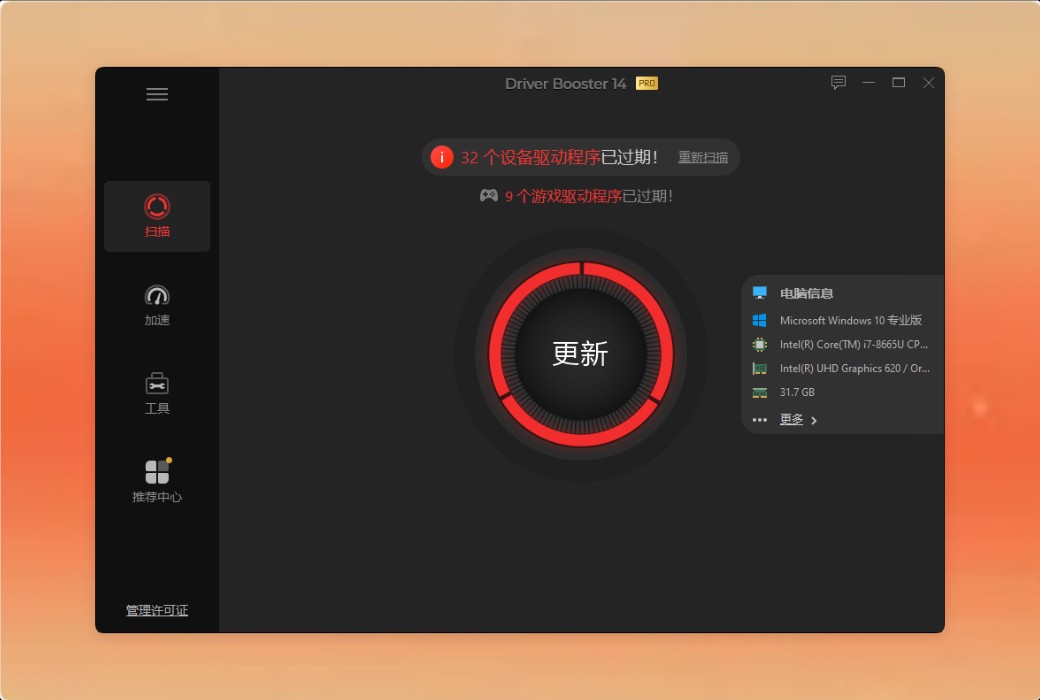
一键扫描 & 即时驱动更新
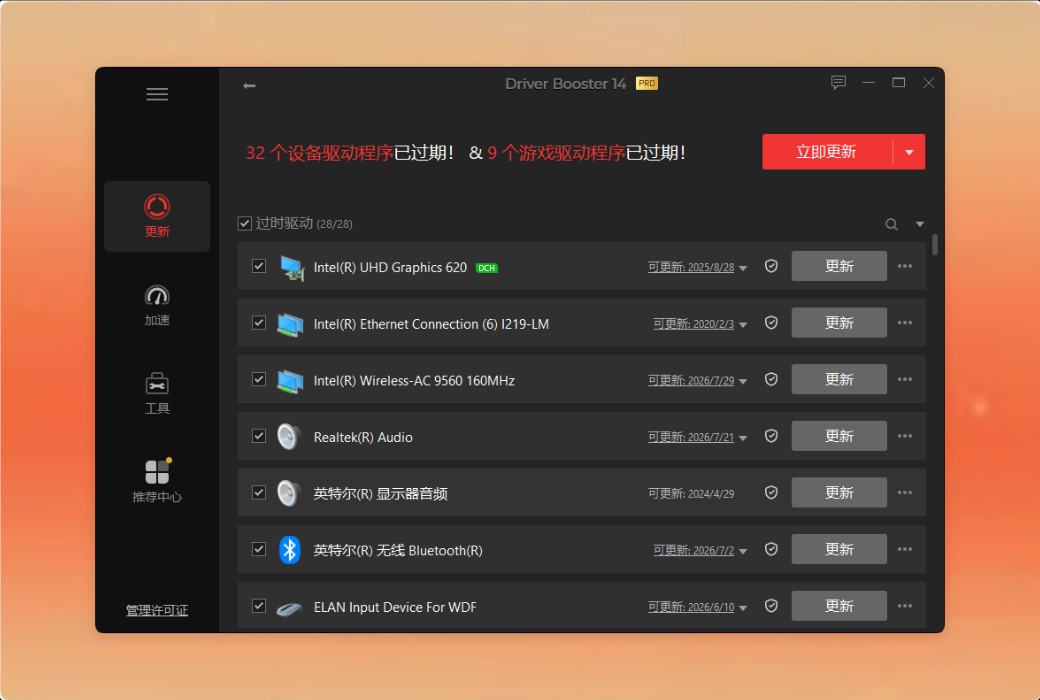
Driver Booster 会自动扫描你的系统,立即为每个设备找到最适合的驱动程序,确保设备性能达到最佳。这个工具现在可以扫描驱动程序的多个版本,你可以选择其中一个进行更新,以获得最适合你系统的版本。无论你是想免费更新某个设备驱动,还是进行完整的 Windows 驱动更新,Driver Booster 都能确保你的系统始终运行在最佳版本。只需一键,你就可以回到最重要的事情上。
Driver Booster 的数据库提供来自 1,200 个主要品牌的厂商认证驱动,包括 INTEL、AMD 和 NVIDIA。它支持多个版本的驱动,可以扫描并选择最合适的驱动来更新你所有设备的硬件驱动——包括 Windows ARM64,从 GeForce 和其他显卡驱动到打印机、音频等。每个驱动都会经过两步验证:微软 WHQL 和 IObit 安全扫描,确保每次更新都是安全可靠的。
超越驱动更新:提升你的游戏表现
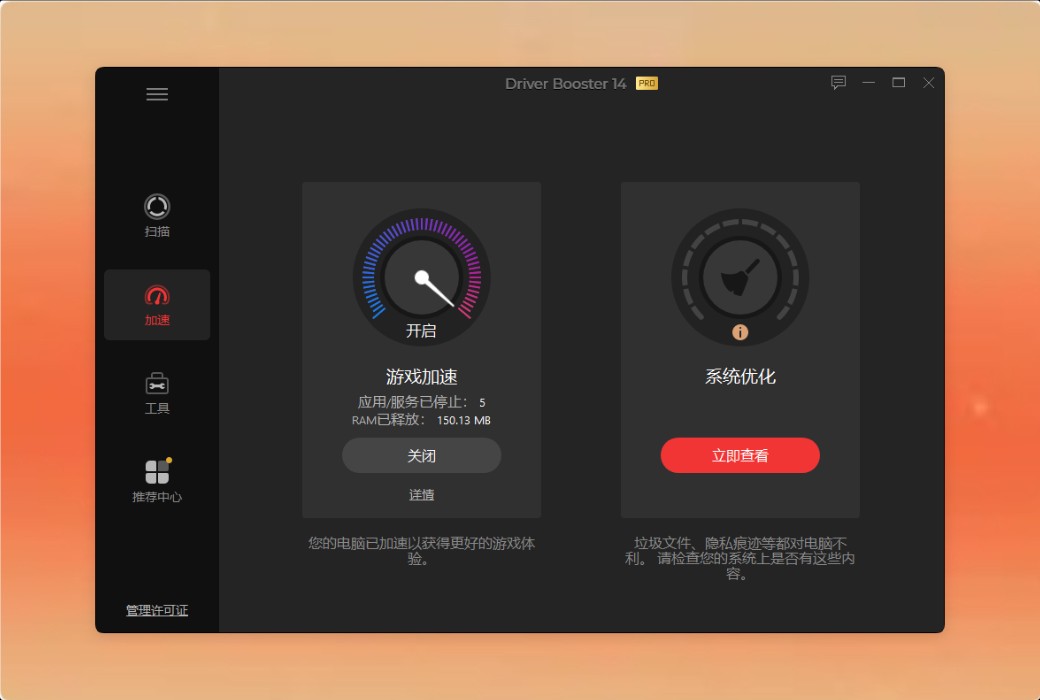
体验极其流畅的游戏和惊艳的画面效果。驱动大师不仅仅是更新驱动 —— 它还能优化你的系统,带来顶级的游戏性能。
更新游戏就绪驱动
游戏就绪驱动主要是指那些提供新功能、修复漏洞并提升游戏性能的游戏加速器。借助 Driver Booste r庞大的数据库,你可以更新显卡驱动,比如 NVIDIA GeForce 游戏就绪驱动、AMD Radeon Software Adrenalin 版和 Intel 显卡驱动。它还可以让你即时更新显卡驱动或执行视频驱动更新。
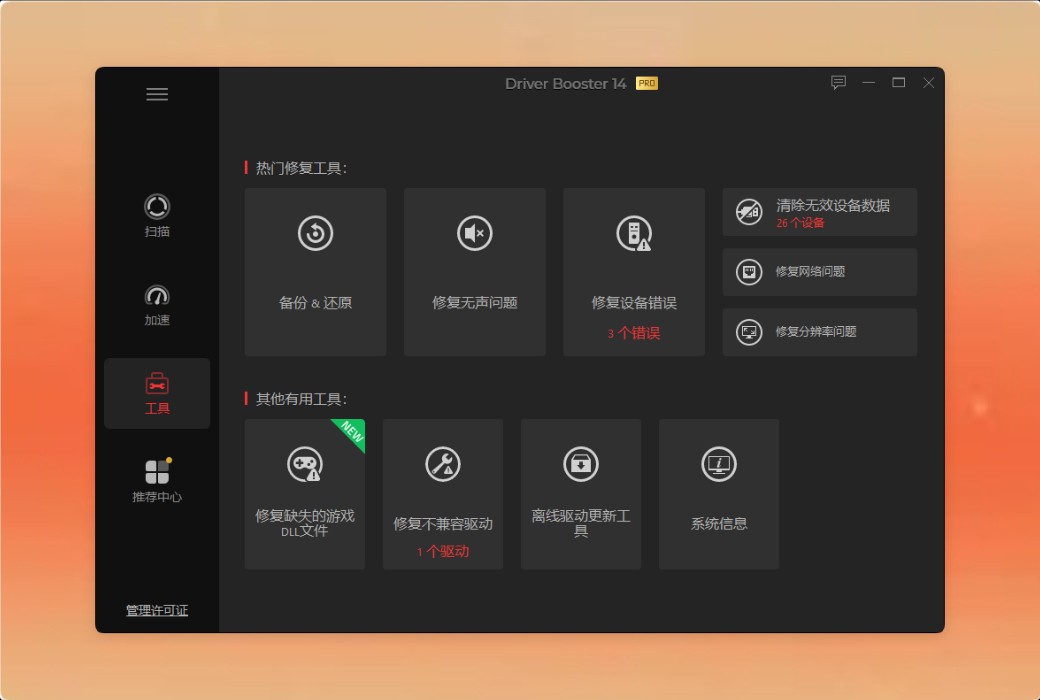
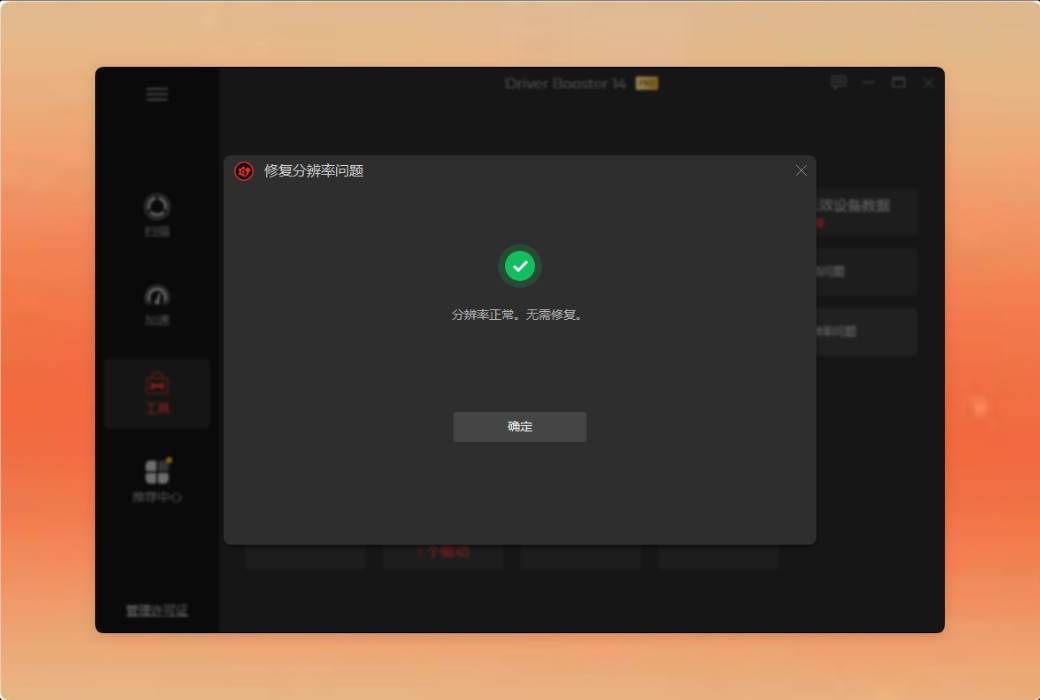
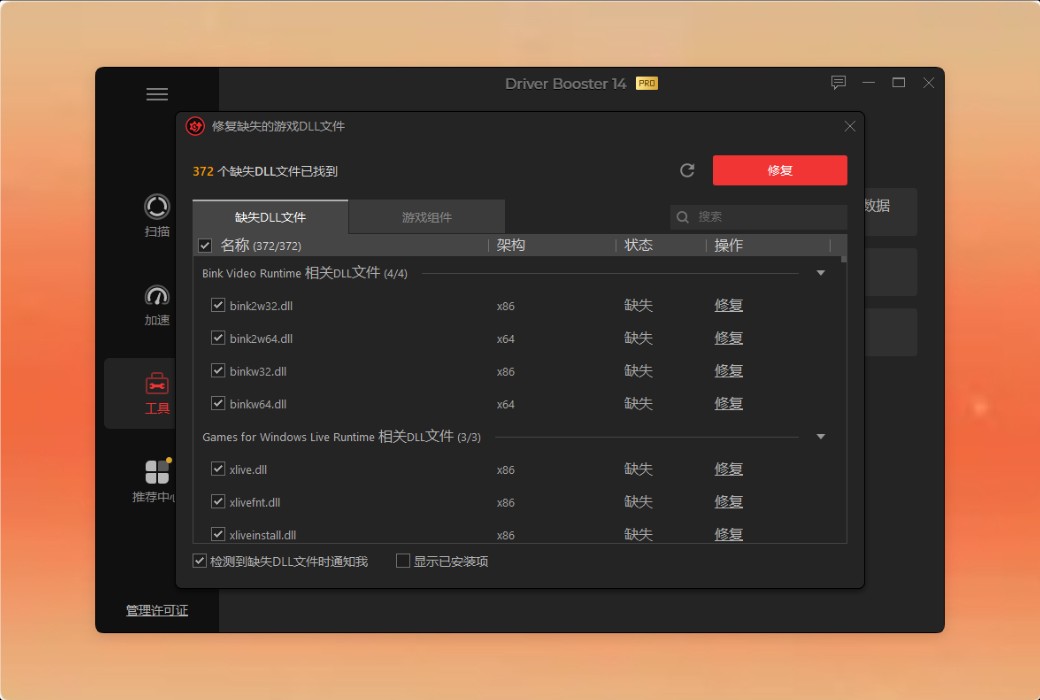
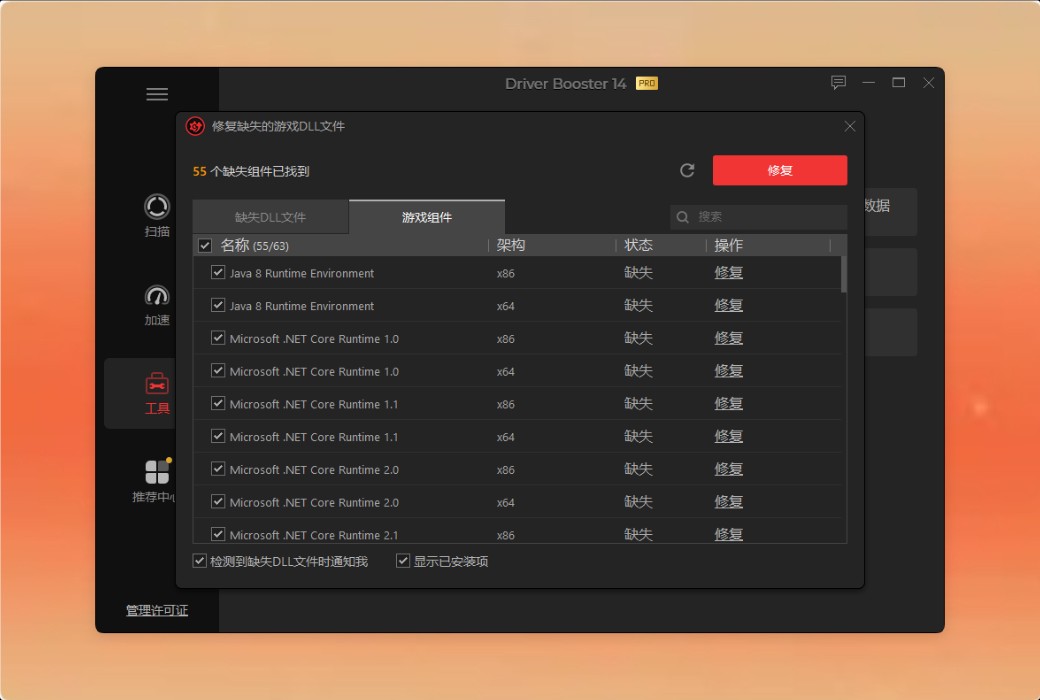
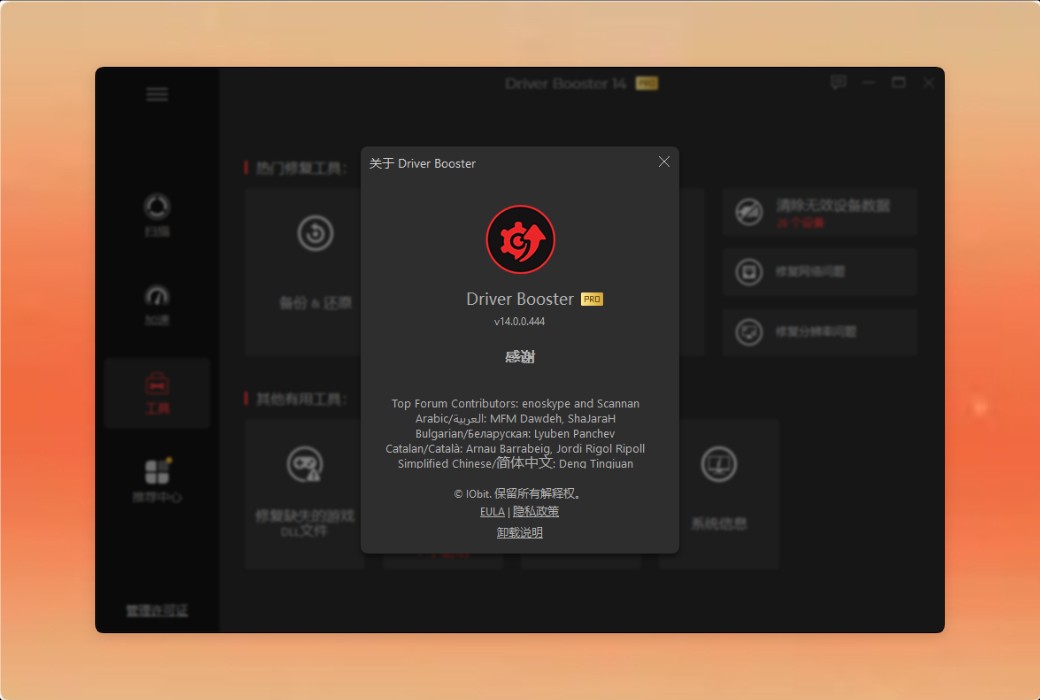
修复缺失的游戏 DLL新增
现在不用再因为缺少游戏 DLL 而导致游戏崩溃或报错了。驱动精灵可以扫描并修复超过 60 个游戏组件和 680 个 DLL 文件。此外,还支持实时检测缺失的游戏 DLL,确保你畅玩游戏不中断、顺畅无比。
优化 Windows 游戏体验
优化你的游戏就绪驱动程序并释放系统资源意味着游戏会更加流畅 —— 再也不用被恼人的卡顿或冻结打扰了。通过耳机或蓝牙音箱驱动,享受更清晰的画面和更丰富的音效,甚至还能提升 Windows 音频驱动表现。Driver Booster 做这一切的目的只有一个:给你带来更棒、更沉浸的游戏体验,让你专注于赢得胜利。
修复设备错误并提升系统性能
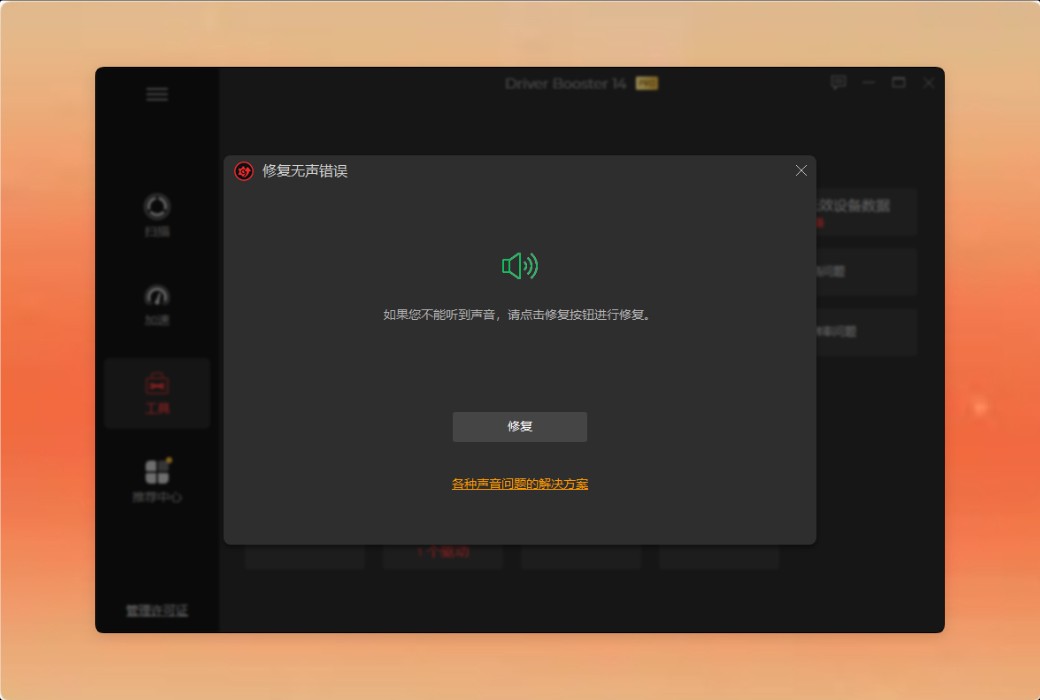
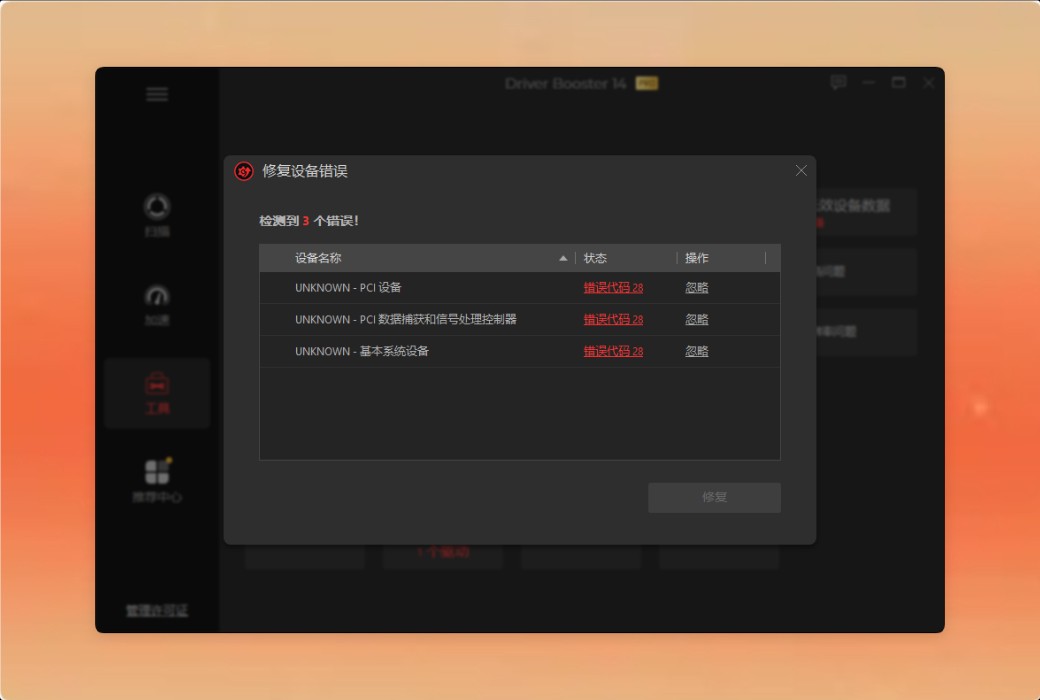
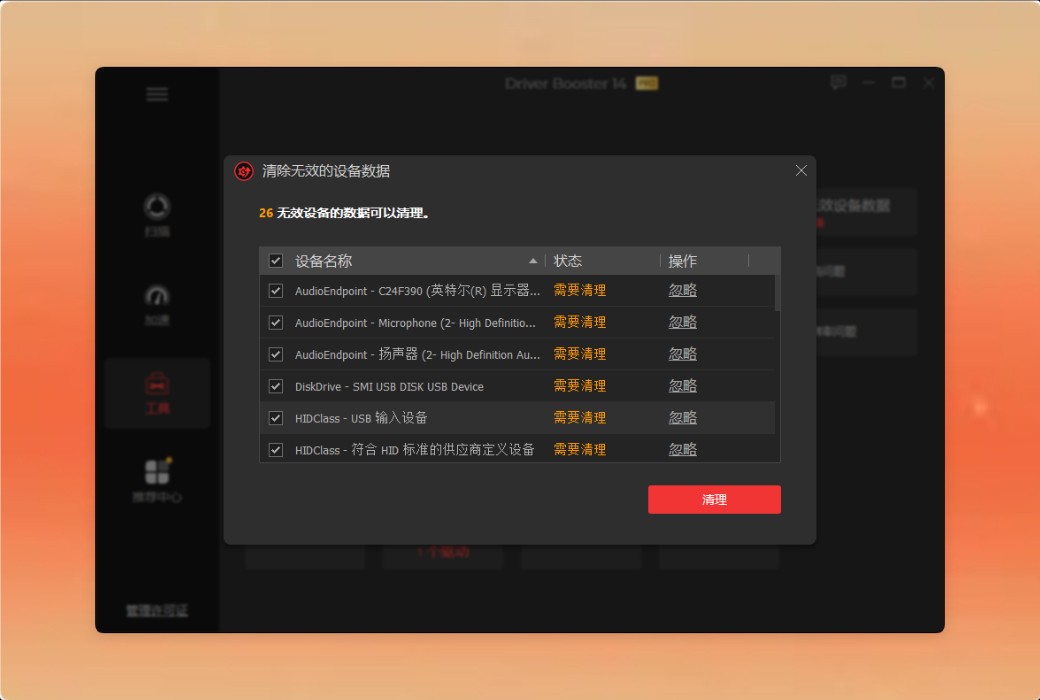
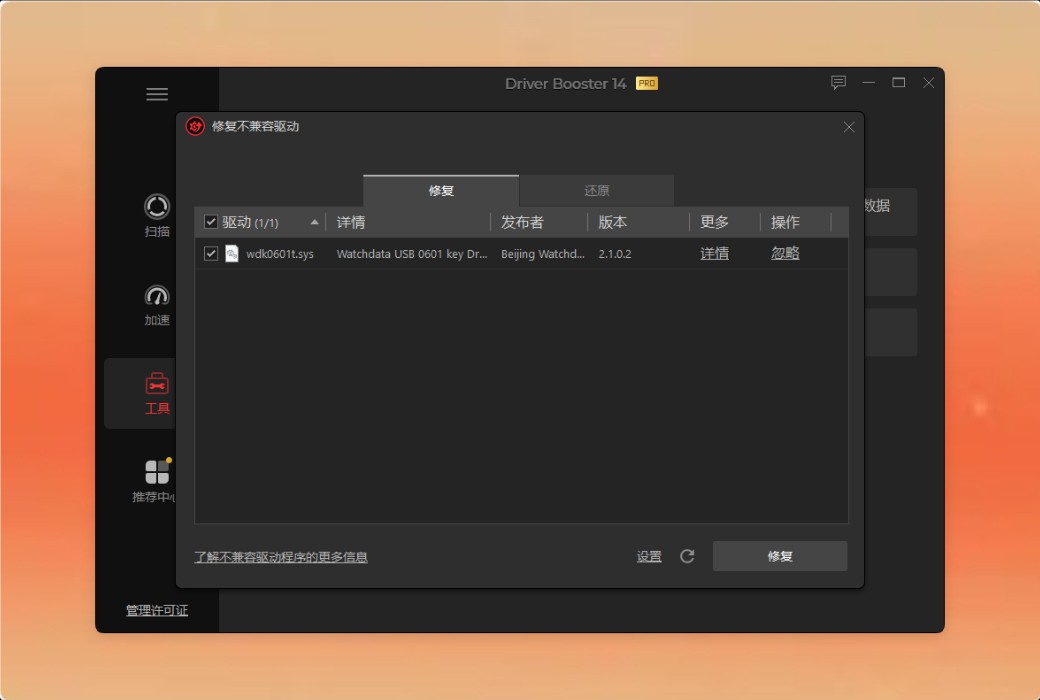
从源头消除系统变慢和驱动相关的设备错误。使用 Driver Booster —— 所有 Windows 用户信赖的 PC 驱动更新工具,体验更顺畅、更快速、更可靠的电脑。

官方网站:https://www.iobit.com/en/driver-booster-pro.php
下载中心:https://iobit-driver-booster-pro.apsgo.cn
发货时间:24 小时自动发货
运行平台:Windows
界面语言:支持中文界面显示,多语言可选。
更新说明:订阅版无限更新,永久版仅支持小版本更新。
买前试用:购前可使用功能限制免费版。
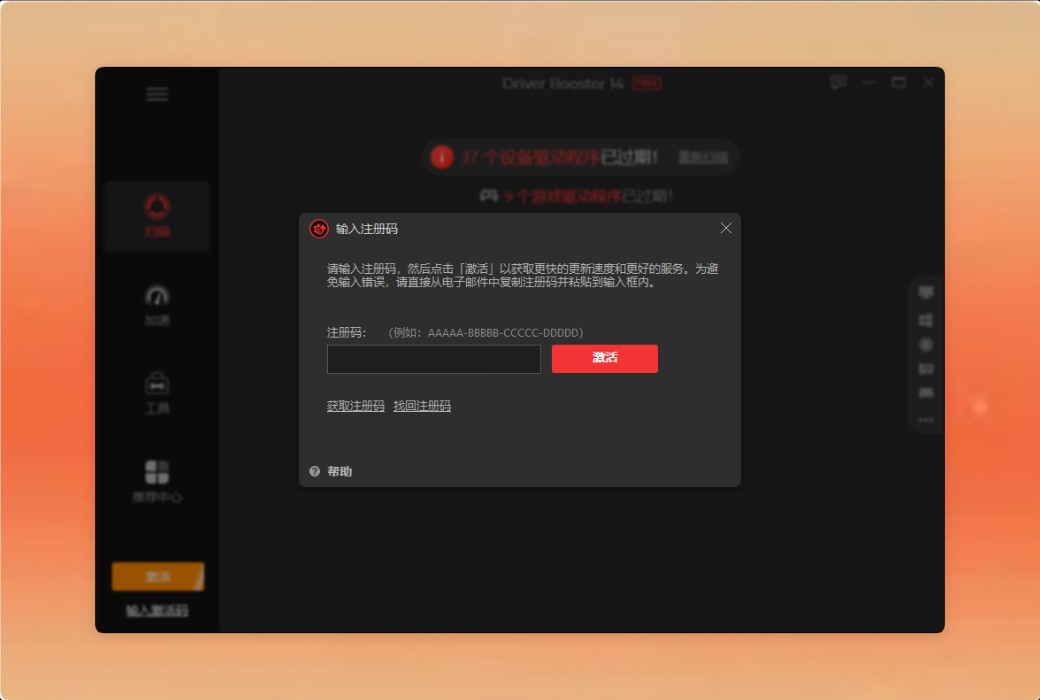
如何收货:购买后,激活信息会以邮件的形式发送到下单时的邮箱,同时可在个人中心,我的订单中查看对应的产品激活码。
设备数量:1PC 支持一台设备;3PCs 支持3 台设备。
更换电脑:原电脑卸载,新电脑激活。
激活引导:待添加。
特殊说明:待添加。

Any question
Hello,
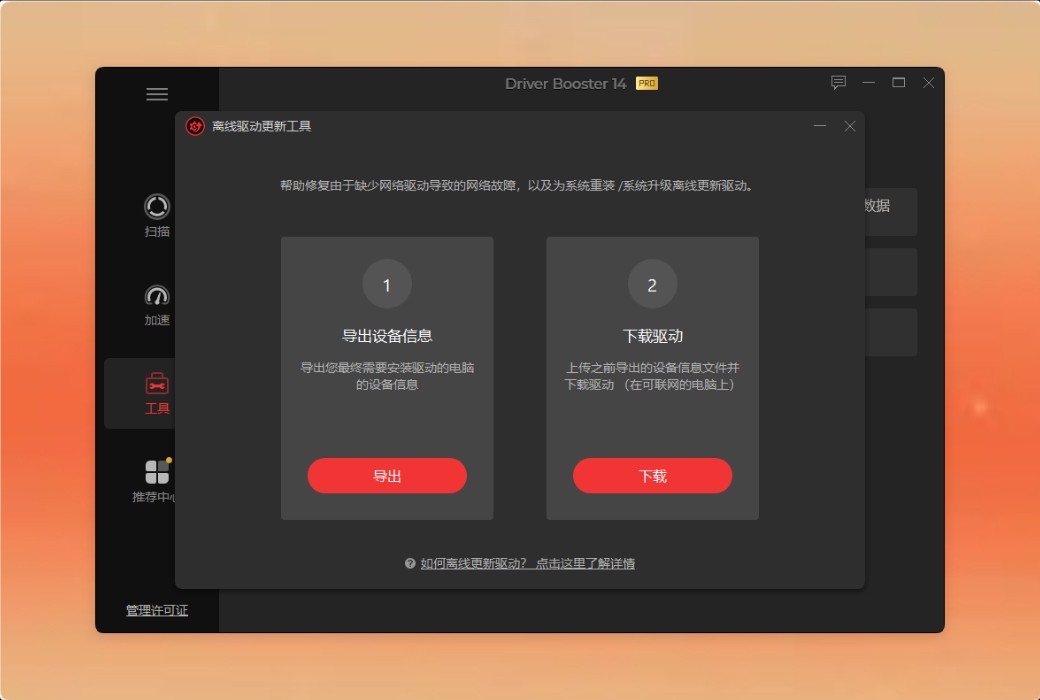
The offline driver update program is a new tool available in iObit Driver Booster V8+and above, which can assist you in the following two situations:
Update system upgrade/reinstall drivers:
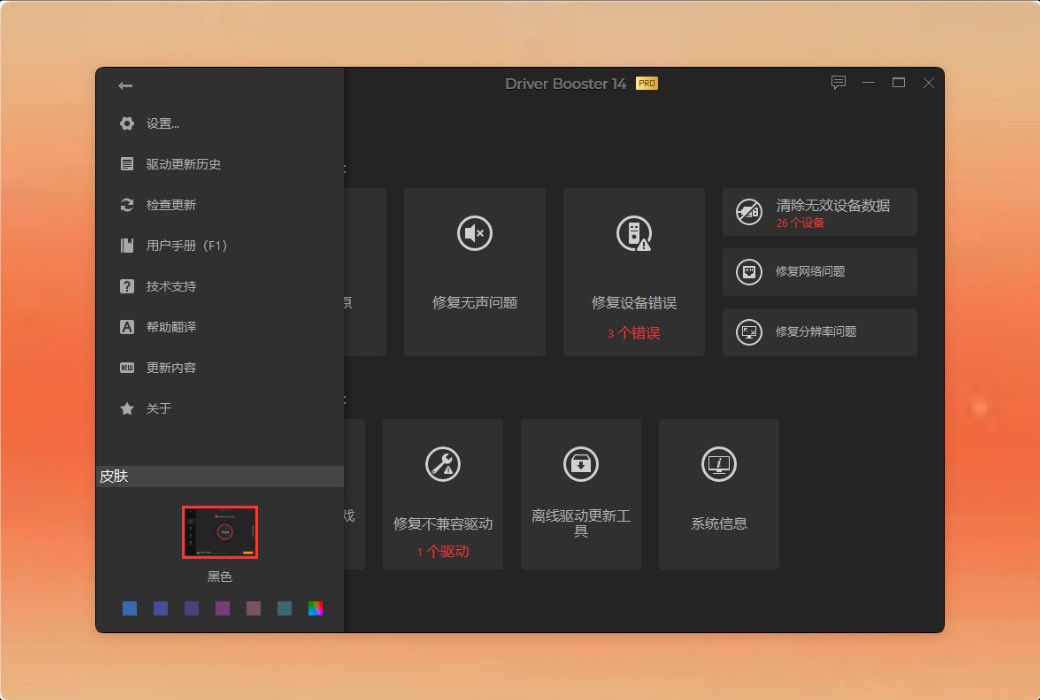
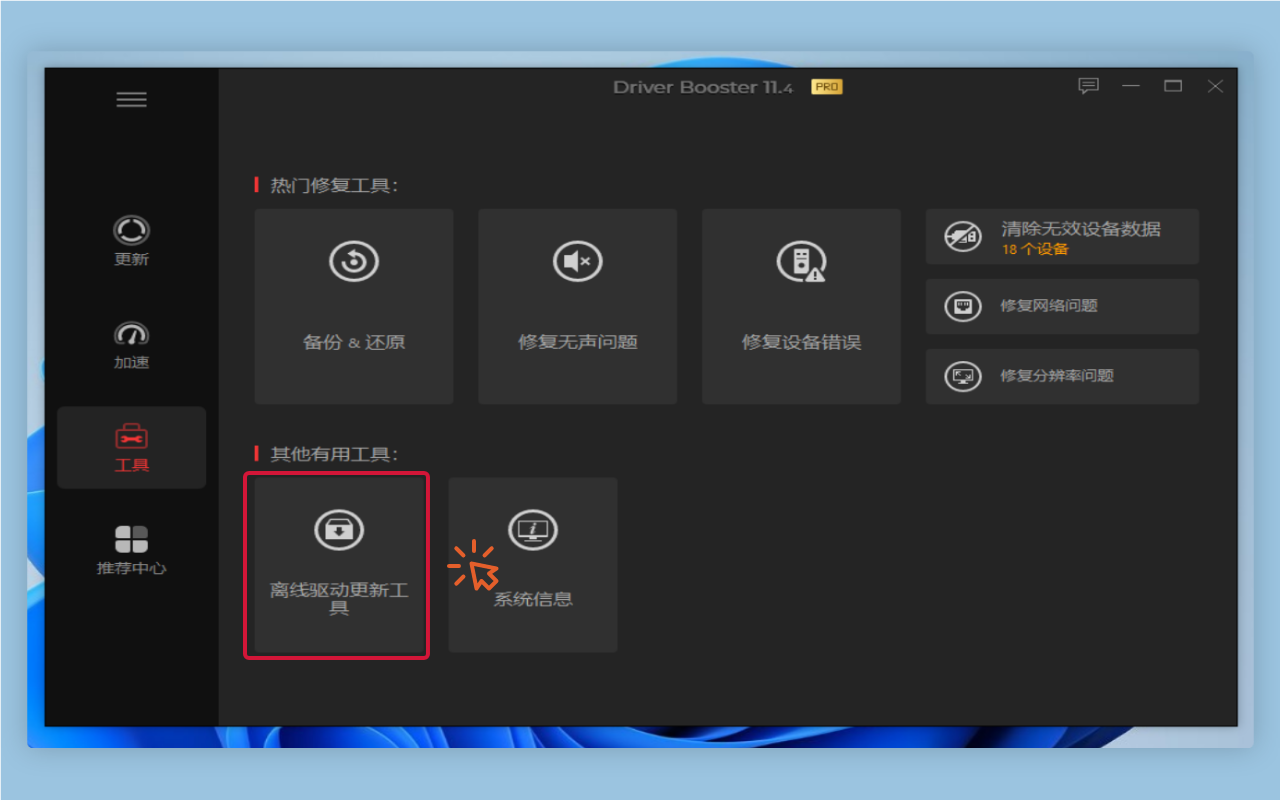
1. Run the iObit Driver Booster and select“tool”Module, then open it“Offline driver update”.

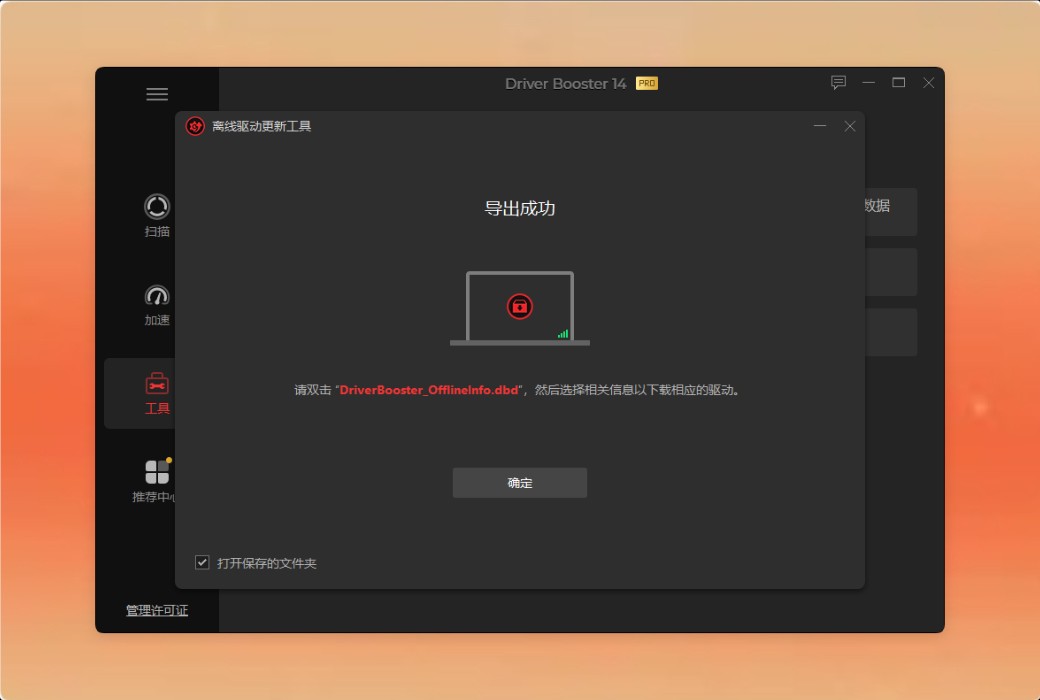
2. Click“export”Export the device information of the PC you want to upgrade/reinstall to a fileDriverBooster_OfflineInfo.dbd.

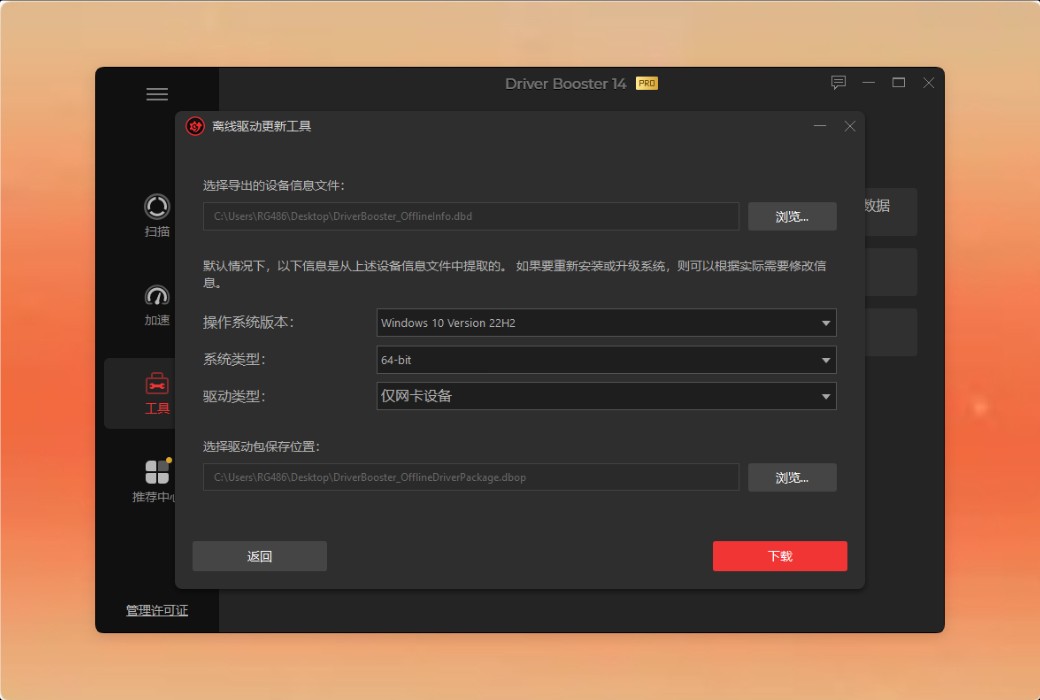
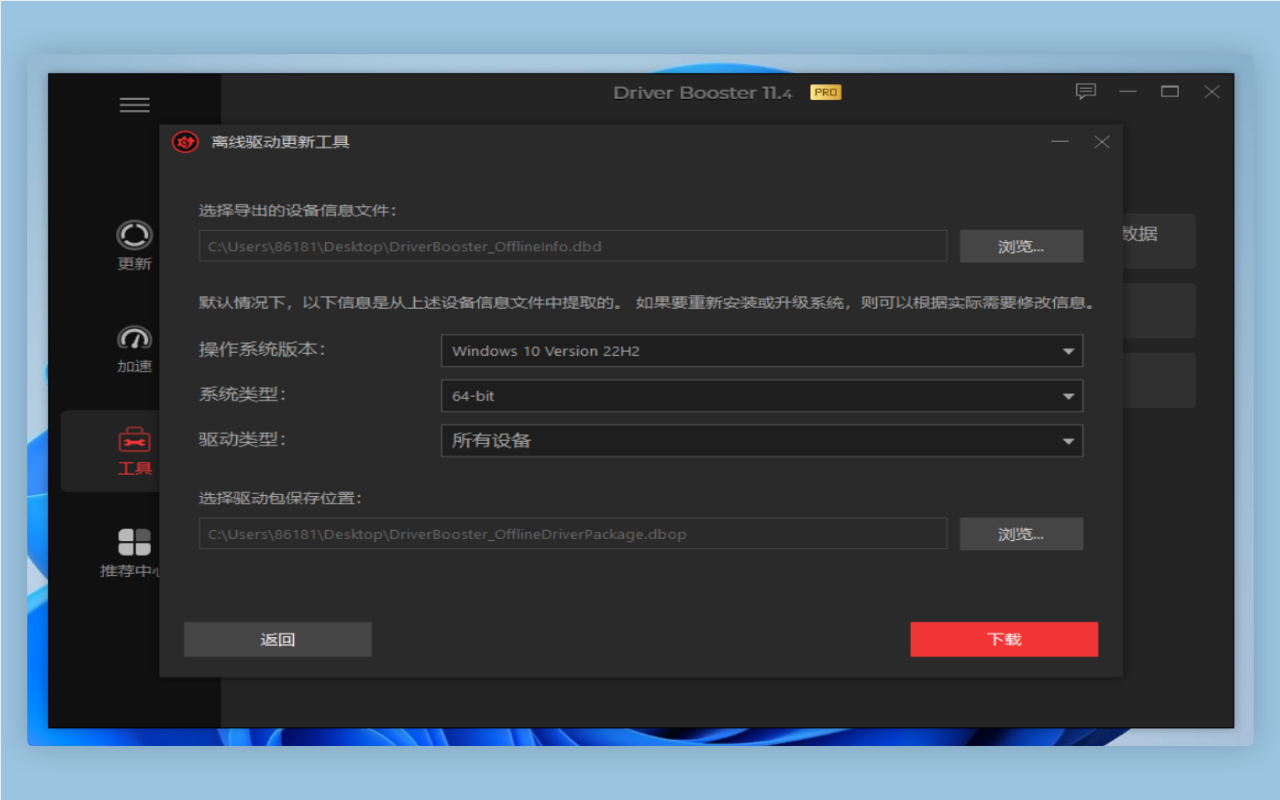
3. On a computer with a network and iObit Driver Booster software installed, double-click the exported fileDriverBooster_OfflineInfo.dbdOpen the "Offline Driver Update" tool, which will automatically parse device information.

4. After parsing device information, configure "operating system version", "system type", "driver type", and "driver package save location".
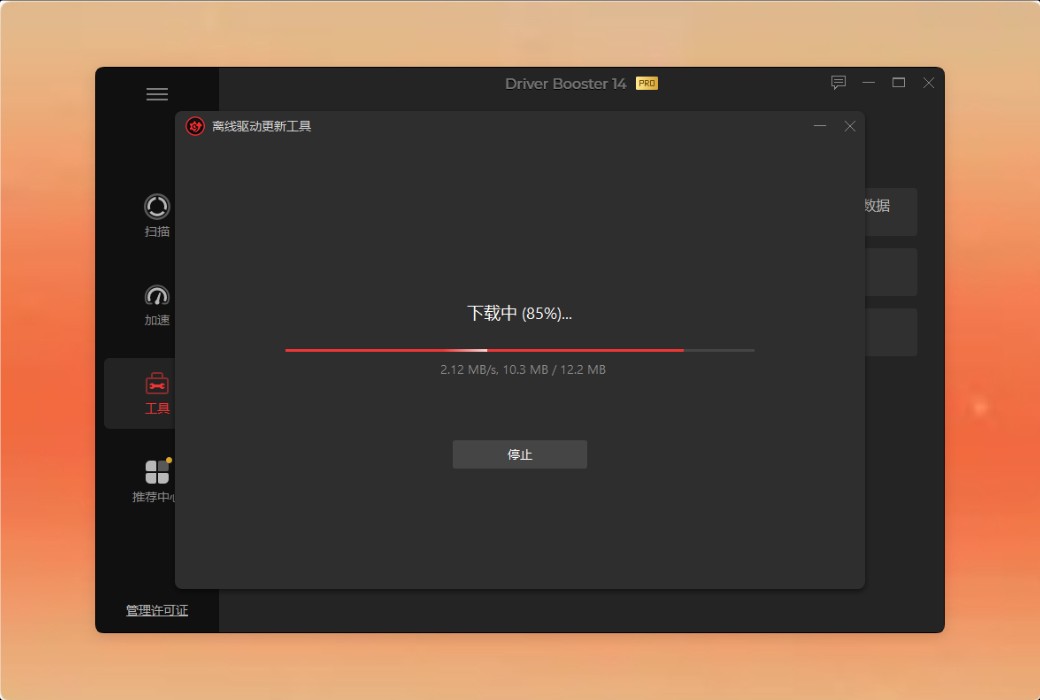
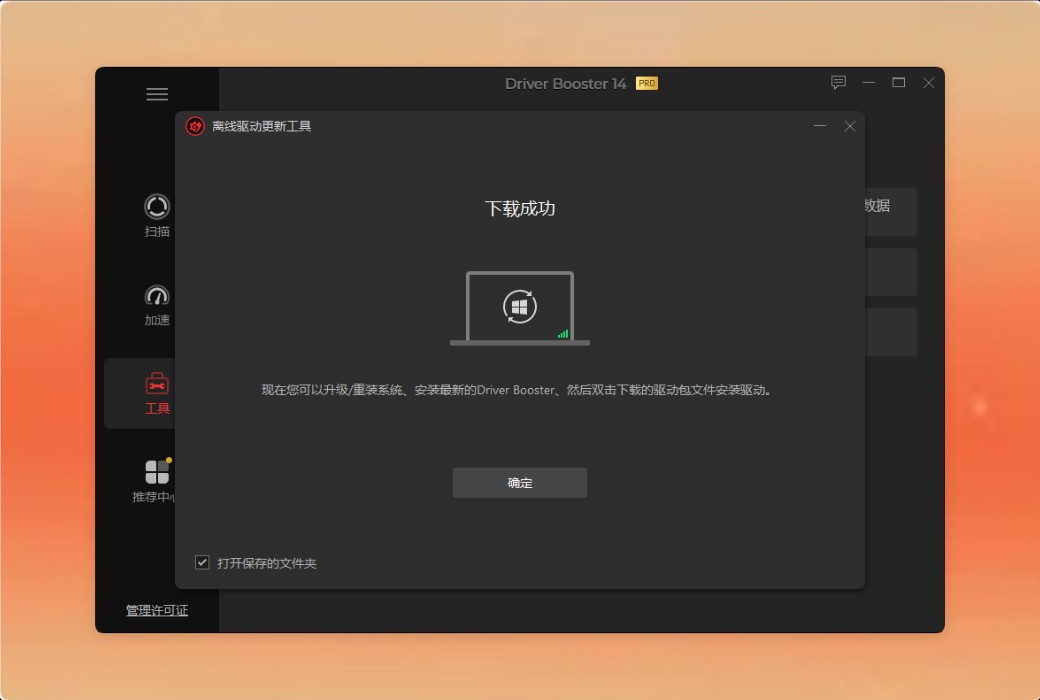
5. Click“download”The tool will automatically complete the remaining processes (scanning, downloading, and packaging drivers).


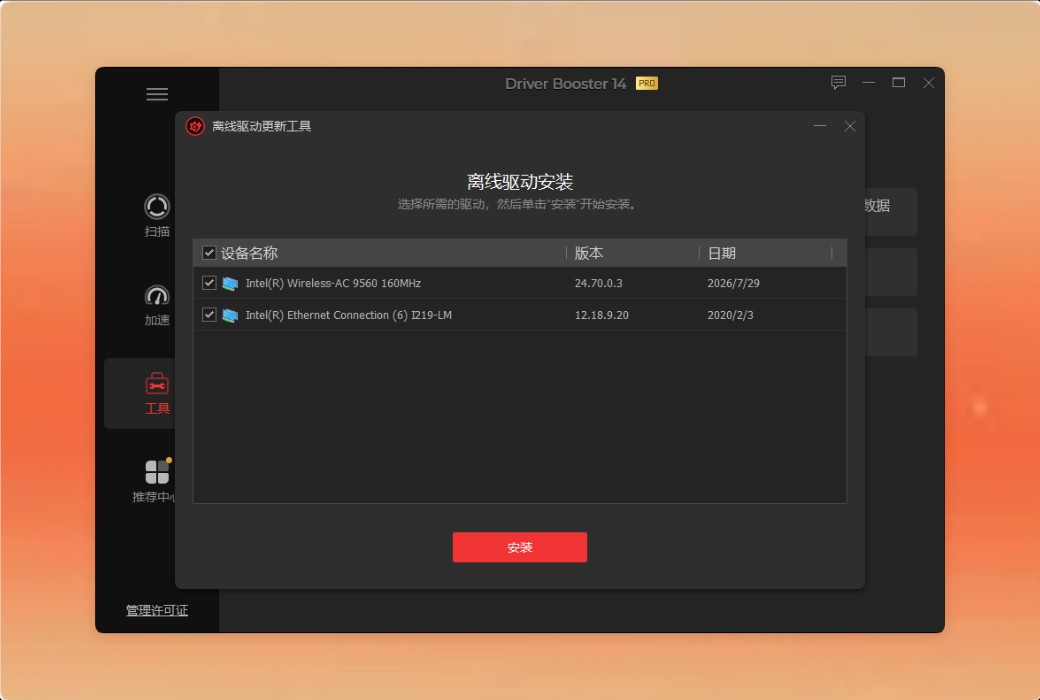
6. Upgrade/reinstall your PC, then download the latest version of iObit Driver Booster on the new system, go to the driver package save location, double-click the driver package to open the "Offline Driver Installation" window, select the required driver and install it.
To download and install drivers for PC without network connection:
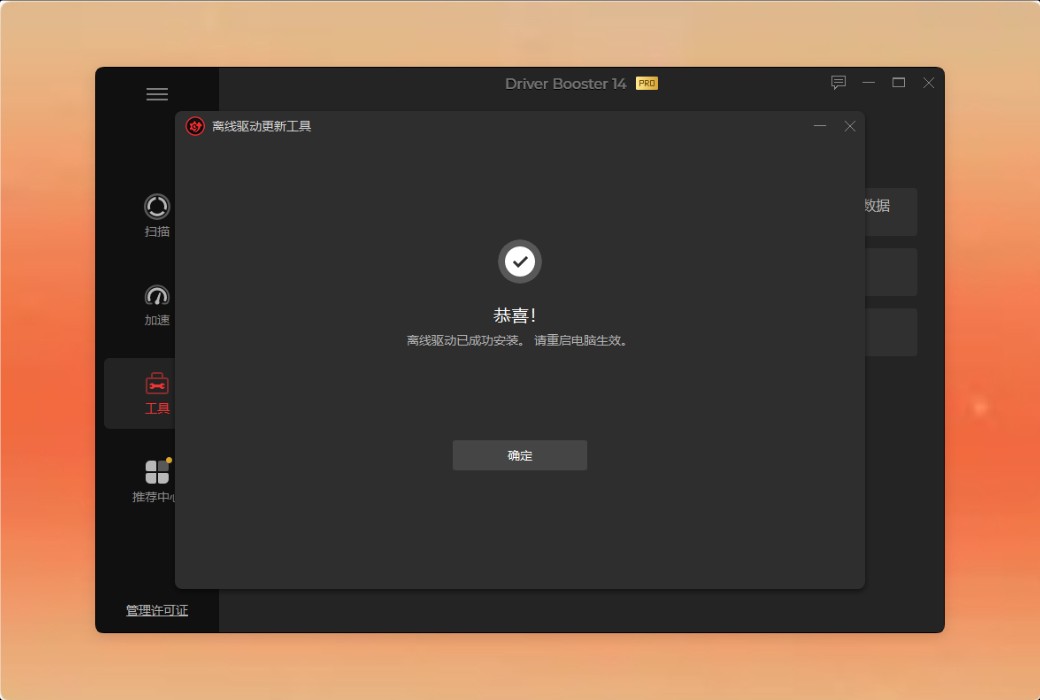
DriverBooster_OfflineInfo.dbd.DriverBooster_OfflineInfo.dbdCopy to another PC with network access privileges.DriverBooster_OfflineInfo.dbdThe tool will automatically parse and display device information.DriverBooster_OfflineInfo.dbopCopy to a PC without network access.DriverBooster_OfflineInfo.dbdThen the "Offline Driver Upgrader" tool will load and list the updatable network drivers, click "Install" to install the network drivers.